Make Room for Call Time
A practical Activate walkthrough for preparing volunteer invitations, dividing field assignments, and reviewing progress around a protected calling appointment.
Imagine a candidate sitting down for a scheduled hour of fundraising calls. The contact list is ready, the calendar is clear, and a volunteer is about to arrive for a canvassing shift. Then the questions begin: where is the team invitation, which doors belong to whom, and who is checking the afternoon's progress?
Protected call time starts with a clear handoff. Someone needs to own the field work while the candidate is occupied. Activate gives that person a place to organize nearby stops, invite volunteers, and check the campaign dashboard as the team works.
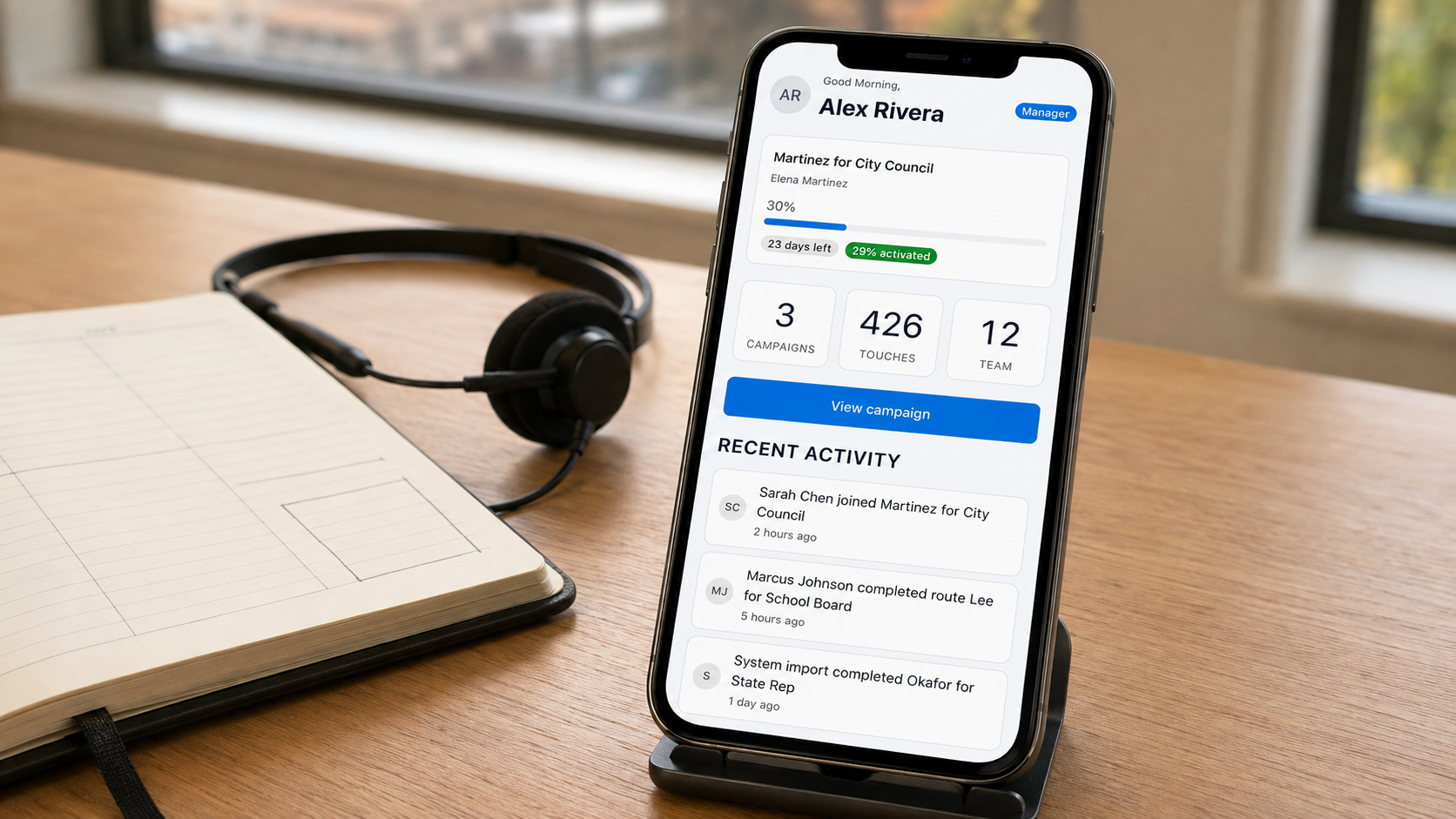
This guide sets out that handoff. The calendar and finance records stay with the people responsible for them; the screenshots show the field operations surrounding the appointment. All screen examples use illustrative sample data. The header is a generated illustration based on the actual manager screen; the images below are unchanged product captures.
Give the appointment a clear beginning and end
Call time is a scheduled appointment for fundraising conversations. Treat preparation, the appointment itself, and the review afterward as separate tasks. Write down the start and finish, who will hold the contact record, and who will handle questions from volunteers during that period.
A useful handoff can fit in 4 lines
- The time the candidate will be occupied.
- The person coordinating volunteers during that time.
- Where the team should bring an urgent operational question.
- When the candidate and coordinator will check back in.
Those are decisions people make. A tool becomes useful when it gives those people a shared view of the work they have agreed to cover.
Settle the volunteer invitation before the first call
If a volunteer arrives while the candidate is busy, joining the team should already have a clear path. Activate's shared QR invitation lets canvassers join without an app-store download. The code is reusable, so the coordinator can use the same invitation with the next arrival.
Invite the coordinator and volunteers before the appointment when possible, and make the person handling arrivals easy to identify. A printed instruction sheet or a quick briefing can name that person; a last-minute interruption should not be the only way a volunteer finds out.
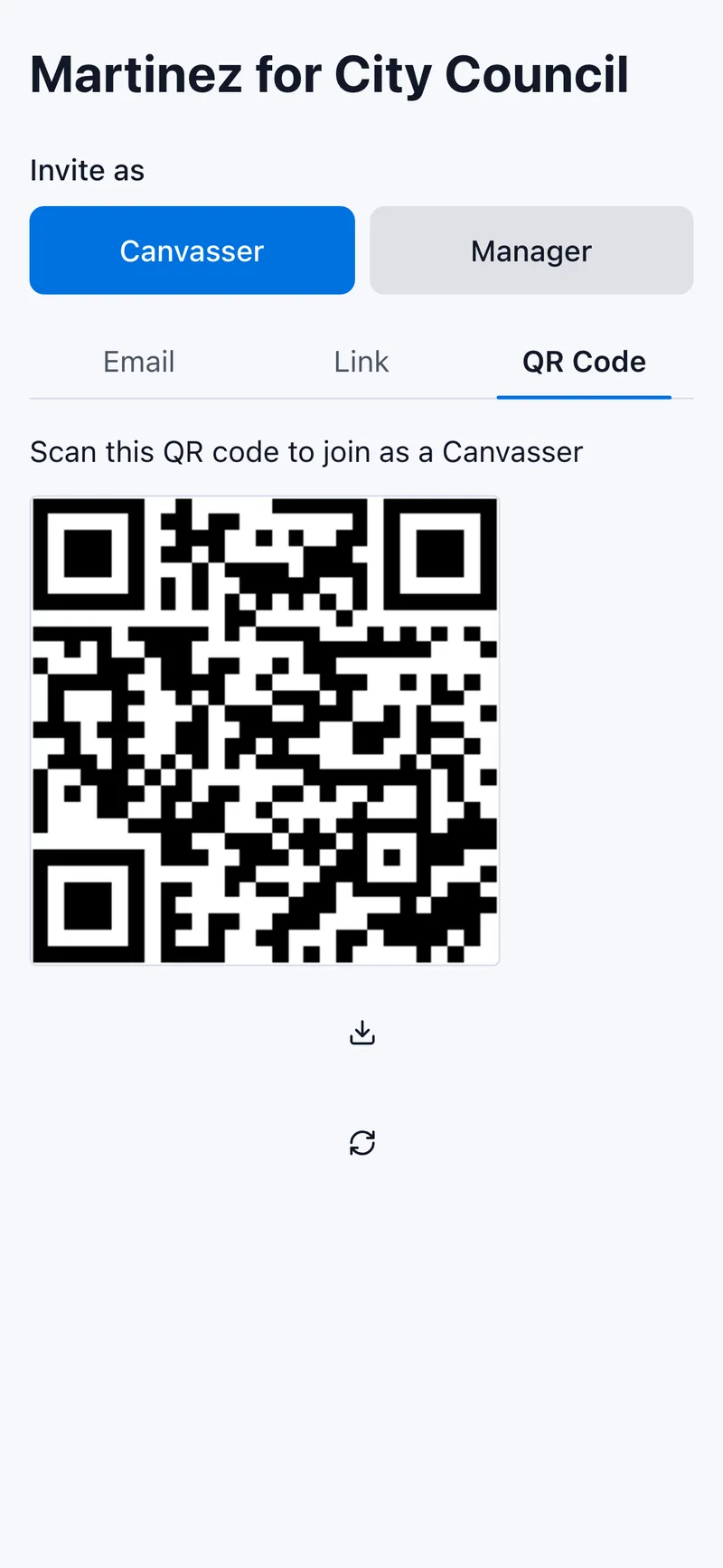
An actual Activate screen showing the reusable team invitation, with illustrative sample data.
Split the field work before handing it over
A volunteer needs an assignment that is ready to work. Activate's Smart Distribution groups nearby stops by address and building and splits them across the team. That is address-based grouping, rather than a promise of the shortest possible walking route.
Look at the proposed assignments with your coordinator. Check the scope, who is available, and any access information the team needs. Software can divide the list; the person responsible for the shift still checks whether that division makes sense for today's work.
This is where organizing field work in Activate connects to the calendar. With the invitation and assignments settled, the coordinator has a concrete job to run while the candidate attends the appointment.
Keep financial records in their proper place
Fundraising and canvassing produce different records. Keep contribution information in the committee's designated finance system, with the person responsible for recordkeeping. Use the field records discussed here for the canvassing work they describe.
The source of contact information matters too. The Federal Election Commission says information about individual contributors obtained from its reports cannot be used to solicit contributions. Public availability alone is not permission to turn a disclosure record into a calling list. Its contributor-information guidance explains that restriction.
For federal committees, the FEC also sets out recordkeeping responsibilities. State and local committees should check their own election authority's requirements. This field-work walkthrough does not replace those requirements or the committee's financial records.
Check the field work when the appointment ends
The next check-in can begin with what the team has recorded. Activate's live dashboard updates automatically as volunteers work. It refreshes periodically, so allow for that refresh when comparing it with a volunteer's just-finished entry.
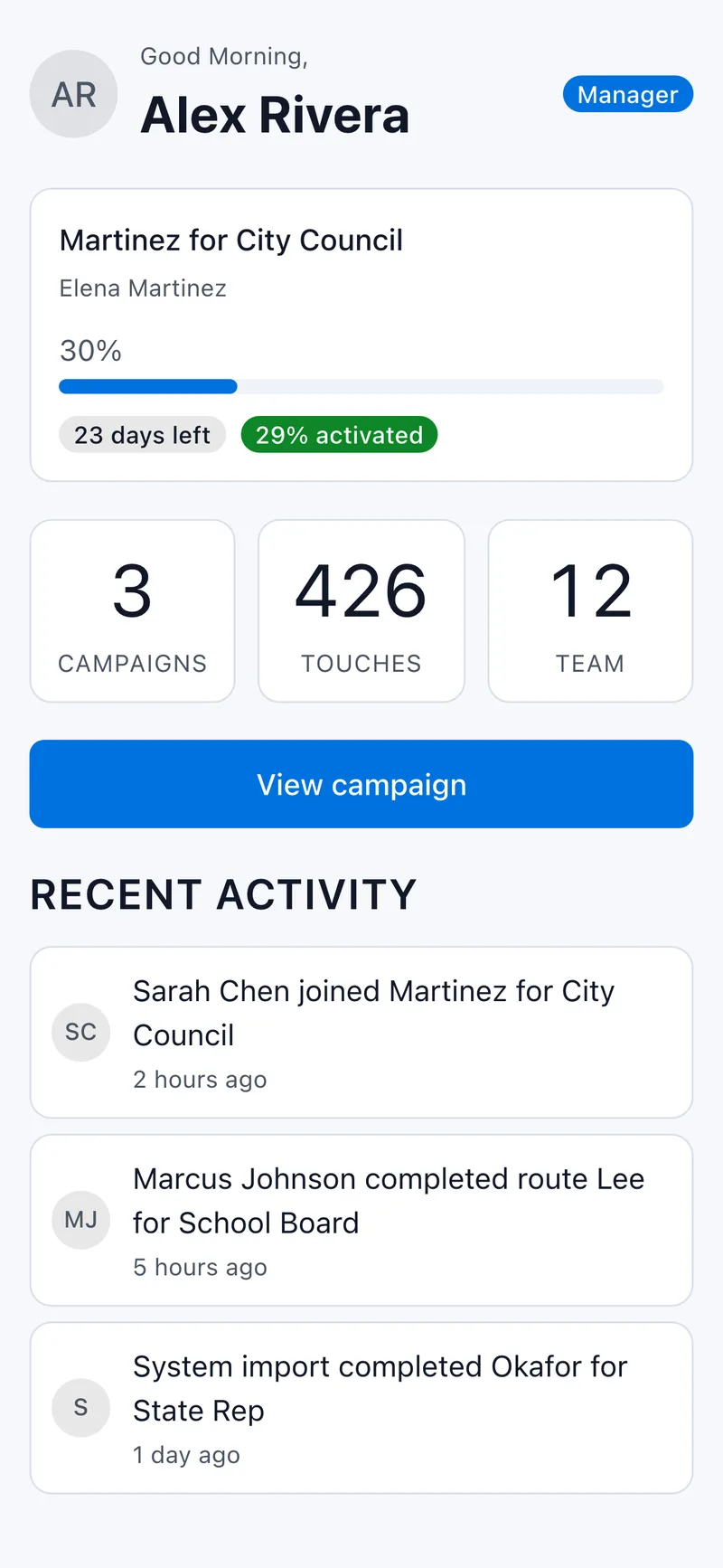
The manager dashboard in Activate. These are illustrative sample figures, not results from a customer campaign.
Use that shared view to ask practical questions: which assignments still need attention, whether anyone needs help finishing, and who owns the next action. Keep the field review distinct from the financial review of the calling appointment. A canvassing response is not a contribution record.
The handoff is complete when the candidate and coordinator know what happened and who is doing what next. Core canvassing in Activate is free; optional metered services use Credits at disclosed prices. Start with the field work your team needs, and let a clear division of responsibility protect the appointment beside it.
Sources
¿Listo para comenzar la campaña?
Configura tu campaña y comienza a canvassing en minutos. No se requiere tarjeta de crédito. Activate. ¡Hacia la victoria!
Iniciar Campaña Gratis