How to Turn a Voter File into Canvassing Walk Lists
A synthetic 9-row voter file becomes 4 household stops in 3 buildings, then a turf sized from a 1-block test walk, a checked first assignment and a planned Not Home pass.
A voter file counts people, and a volunteer walks doors. Two people can share an apartment, two apartments can share a building, and a usable contact can arrive with no street address at all. A walk list is the set of stops one pair of volunteers can finish in one shift, and getting from the file to that list takes 5 decisions: who to walk, what counts as a stop, how many stops fit in a shift, who walks which turf, and what happens to the doors nobody answered.
This guide works through those decisions on a small synthetic file of fictional people and addresses, so you can check every count yourself before applying the same steps to your own list. With candidate elections on November 3, most campaigns have only a few weekends of walking left.
The walk universe is a decision you make on a copy of the file
Start with the people you intend to visit, then build turf from them. A raw state or county file usually covers far more ground than a campaign can walk, so the first cut is geography: the precincts, wards or district you are working. Filter on a precinct column if the file has one; if it carries only addresses and ZIPs, decide which streets fall inside your area before anyone builds a route.
The second cut is permission. Use a list your campaign may lawfully use for this purpose, under the terms it came with. The rules differ by state and by source, and Activate's voter data guide links each state's official request path, so this article stays with what happens after the file is in hand.
Keep the original untouched and work on a copy. Routing software organizes whatever addresses it receives, so settle the universe before upload. A universe you can finish twice before November 3 usually beats a larger one walked once, because the second pass turns many unanswered doors into conversations.
The sample file shows how 9 rows become 4 stops in 3 buildings
The synthetic example CSV contains 9 data rows below its header. It includes voter IDs, names, separate street fields, an apartment unit, city, state, ZIP, phone, email and precinct. Every row sits in the same demo precinct, so here the universe is the whole file. Keep identifiers and ZIP codes as text when you open it in a spreadsheet; the ZIP 02134 is there to make a lost leading zero obvious.
The first row describes 101 N Example St, apartment 2A. The next person lives in the same apartment, and the third lives in 2B in the same building. The last row contains only a voter ID, with no name, address, phone or email. In Activate, rows with none of name, address, phone, or email are skipped and flagged in the preview, so that row drops out. Two other rows have a name and a phone or email but no street address, and they stay on the list as contacts.
| Source data rows | 9 |
| Accepted records | 8 |
| Skipped row with only a voter ID | 1 |
| Accepted people with a street address | 6 |
| Accepted contacts without a street address | 2 |
Two equations hold the whole file together: 9 = 8 + 1, and 8 = 6 + 2. The second one explains why an import count and a walking count can both be correct and still differ. When your own file produces numbers that do not add up this cleanly, find the gap before you cut turf.
The 6 addressed people become 4 household stops
| 101 N Example St | 2A | 2 |
| 101 N Example St | 2B | 1 |
| 103 N Example St | none | 1 |
| 105 N Example St | none | 2 |
Those 4 stops sit in 3 buildings, because 101 holds 2 households. Keeping 2A and 2B distinct means the volunteer climbing the stairs knows exactly which door holds which residents. The 2 people at 105 stay 2 records at 1 stop, each with their own response at the door.
Diagram source
flowchart TD
    A[9 source rows] --> B[8 accepted contacts]
    A --> C[1 skipped ID-only row]
    B --> D[6 people with street addresses]
    B --> E[2 contacts needing address review]
    D --> F[4 household stops across 3 buildings]
    F --> G[2 volunteer plans]
People, household stops and buildings are 3 different units of work. People tell you how many conversations are possible, stops tell you how much walking a turf holds, and buildings tell you where a volunteer will spend time on stairs and buzzers. In Activate, routes are organized by location and building, so an apartment building arrives as one place with its units listed under it.
A 1-block test walk tells you how many stops a pair can finish
Turf size is the number most campaigns guess, and a guessed turf is how volunteers end up abandoning lists halfway. Before the first full shift, send one pair to walk a single block of your actual universe at the time of day your shifts run, and have them note the household stops covered and the minutes taken, conversations included.
Here is the arithmetic on an illustrative test, using numbers your own walk will replace. Suppose the pair covers 14 household stops in 35 minutes. That is 24 stops an hour. A 3-hour shift loses about 30 minutes to briefing, travel and the walk back, which leaves 2.5 hours of doors, or 60 stops. Hold back about 10 for long conversations and locked lobbies, and the pair's turf is 50 stops.
Count stops, never people or buildings. A turf of 50 single-family stops is a steady afternoon, while the same 50 packed into 3 apartment buildings can run faster or slower depending on entry rules and stairs. Run a second test walk in any building-heavy area, and adjust the number once the first shift shows your team's real pace.
Assign the first turf, then check it against the source before the shift
The walk-list planning sheet is a manual worksheet for the sample file. In its assignment, Niara takes both units at 101: 2 household stops and 3 people. Nevin takes 103 and 105: also 2 stops and 3 people. Each row carries the source voter IDs, so every planned contact traces back to the original file.
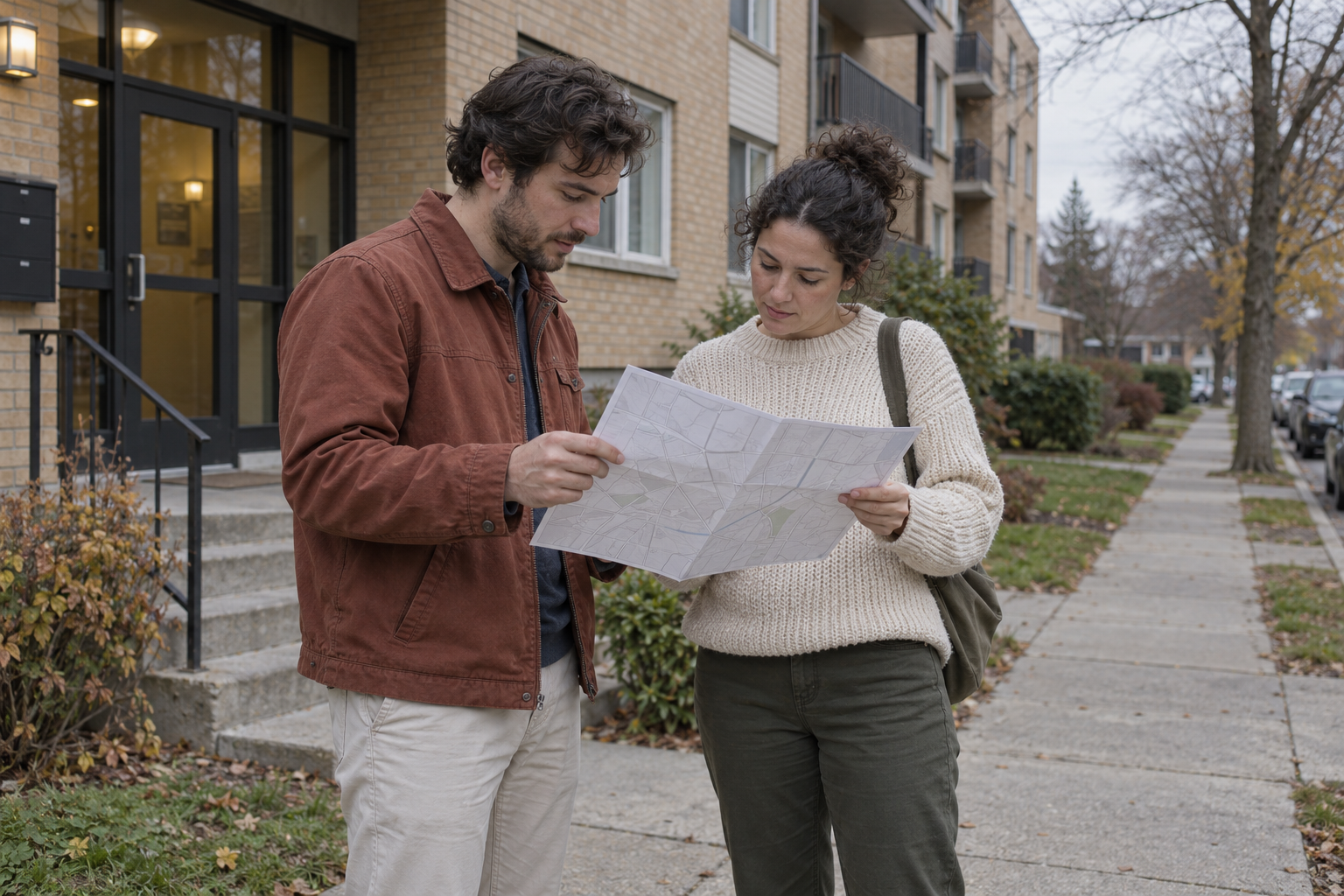
Equal counts are a fair start, and walking time is the next check: entrances, stairs and distance can make one equal-looking turf take longer than another. Look at each turf on a map before you hand it out. Activate groups nearby stops and splits them across your team automatically, with each door in one route, so nobody knocks the same door twice and no street gets missed.
Before the full shift, check one assignment against the source file line by line. Confirm the right people are on it, every street address is complete, units are preserved and no stop appears on 2 volunteers' lists. In the sample, the decisive check is that the person in unit 2B has a separate stop from the 2 people in 2A, and that both people at 105 remain separate records under one stop.
The 2 contacts without a street address sit outside the walking plan, marked for review on the planning sheet. A phone number or email on file does not by itself give permission to contact someone. Decide their next step from your source terms and your campaign's contact rules, and record it.
Every Not Home is the start of the next pass
A shift ends with 4 kinds of result at each door. Each visit records Yes, No, Not Home or Skip, plus notes. Yes, No and Skip close the stop for this round. Not Home leaves it open, and those open stops are your next walk list.
Plan the second pass at a different time of day from the first. A street walked on a weekday evening deserves a Saturday morning attempt, because the household that was out at 6 p.m. is often home at 10 a.m. Set a cap your team agrees on, such as 3 passes per door, so volunteers spend the last weekend on doors that still have a chance of opening. Rebuild the turf from the open stops each time and size it with the same test-walk number.
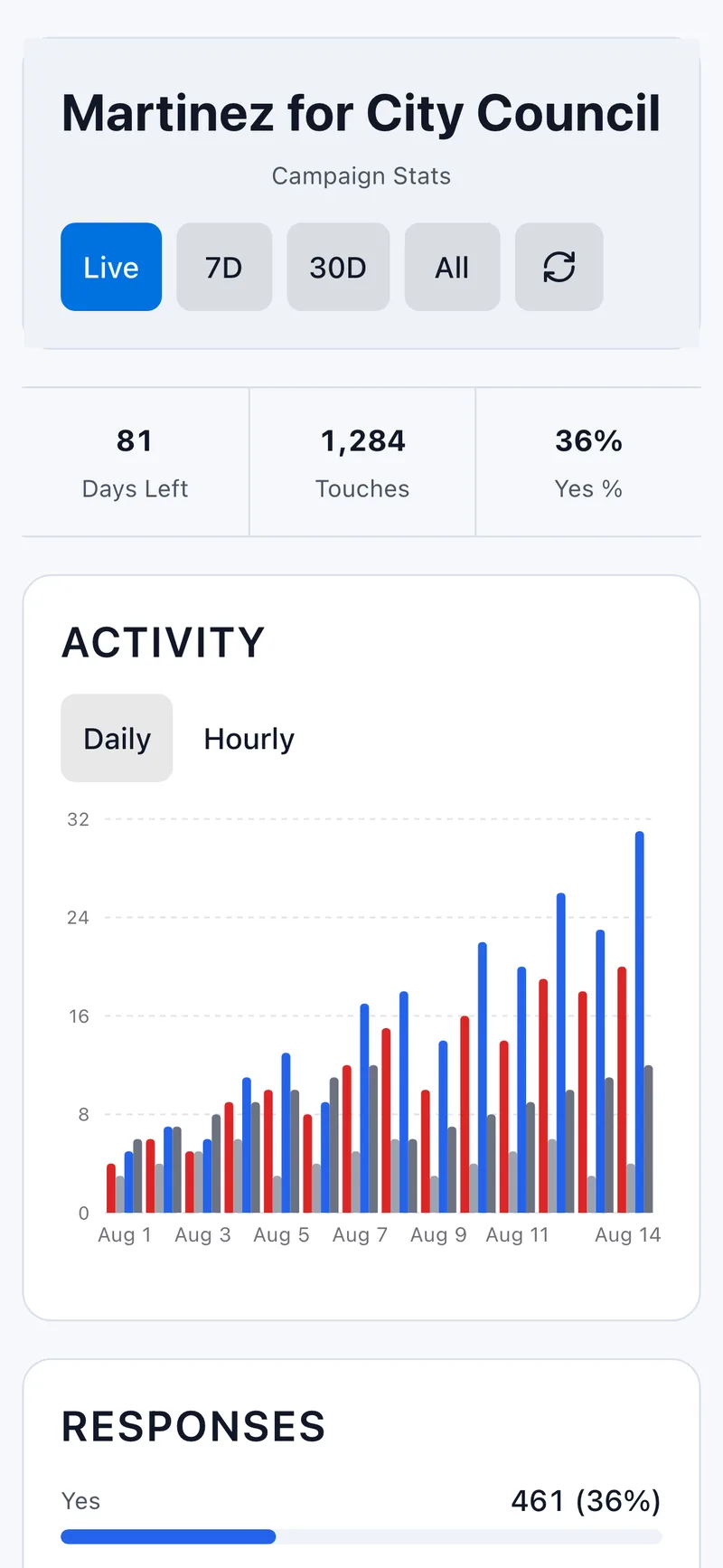
A live dashboard that updates automatically as your team works shows the open stops filling in during the shift, so a manager can move a pair to a block that is falling behind. The end-of-shift debrief is the moment to record what the test walk missed, such as a locked building or a block that took twice as long, and to fold it into the next turf size.
A walk list is ready when every count has an explanation
Before the first shift, you should be able to say how many people are in the universe, how many stops and buildings they occupy, how many stops each pair carries and why, and where the contacts without addresses went. If your file still needs format checks, the import readiness checklist covers them, and The First 30 Minutes covers the briefing that sends the first pair out the door. To set up a campaign and generate your first turf from a list you already have, follow the getting-started path in Activate.
Ready to start canvassing?
Set up your campaign and start canvassing in minutes. No credit card required. Activate. Toward Victory!
Start Free Campaign